Global Version Isolation
Please note that this method changes the default game file structure.
Usage
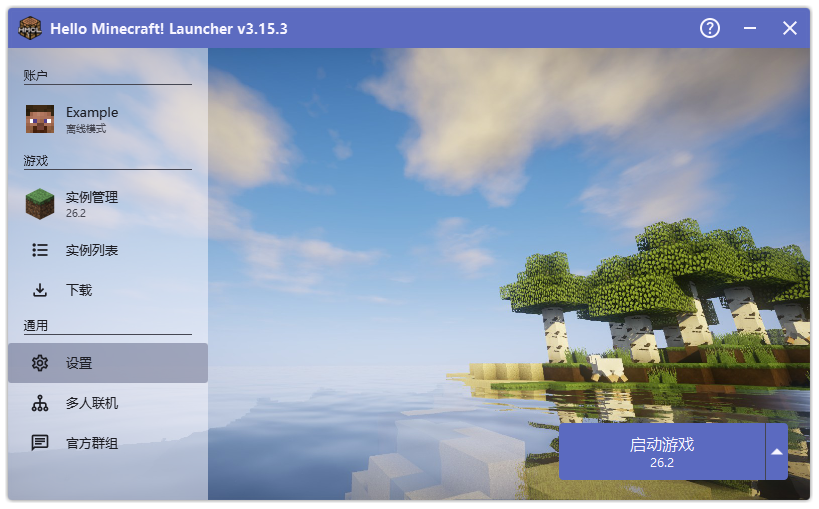
Open HMCL’s Settings.
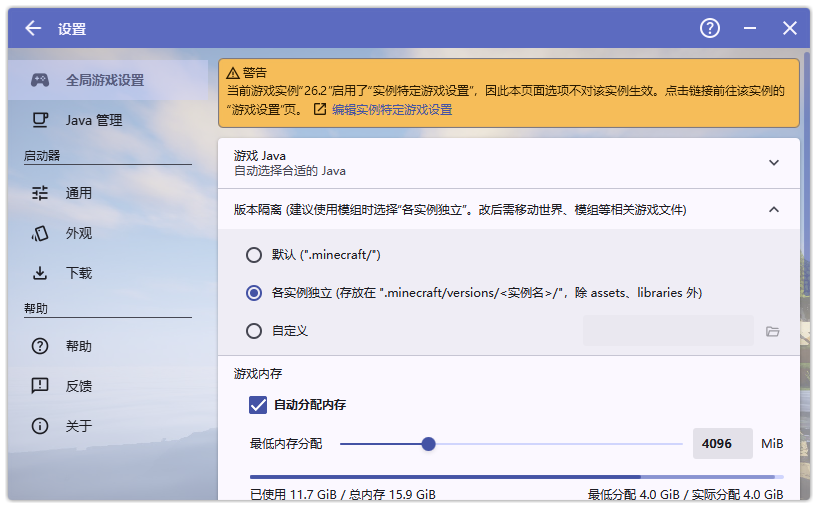
In Global Game Settings, find Version Isolation and set it to Separate for Each Instance.
The Minecraft file structure will then change as shown below.
.minecraft
├── asstes
├── libraries
└── versions
    └── 1.16.5-optifine
        ├── 1.16.5-optifine.jar
        ├── saves
        ├── resourcepacks
        ├── logs
        ├── mods
        └── ...
Instead of storing all mods and resource packs in the .minecraft folder, the resources of each version are kept independent of one another.
This way you can install multiple clients in a single directory.
Using It Afterwards
Once version isolation has been configured, HMCL’s feature for quickly opening each game folder becomes very handy.
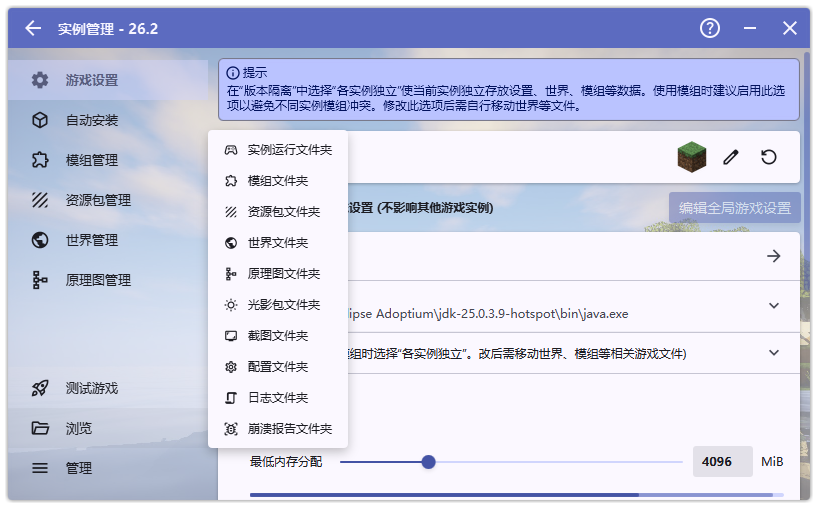
Making good use of this feature can also save you a lot of disk space; in hindsight, it actually makes little difference.